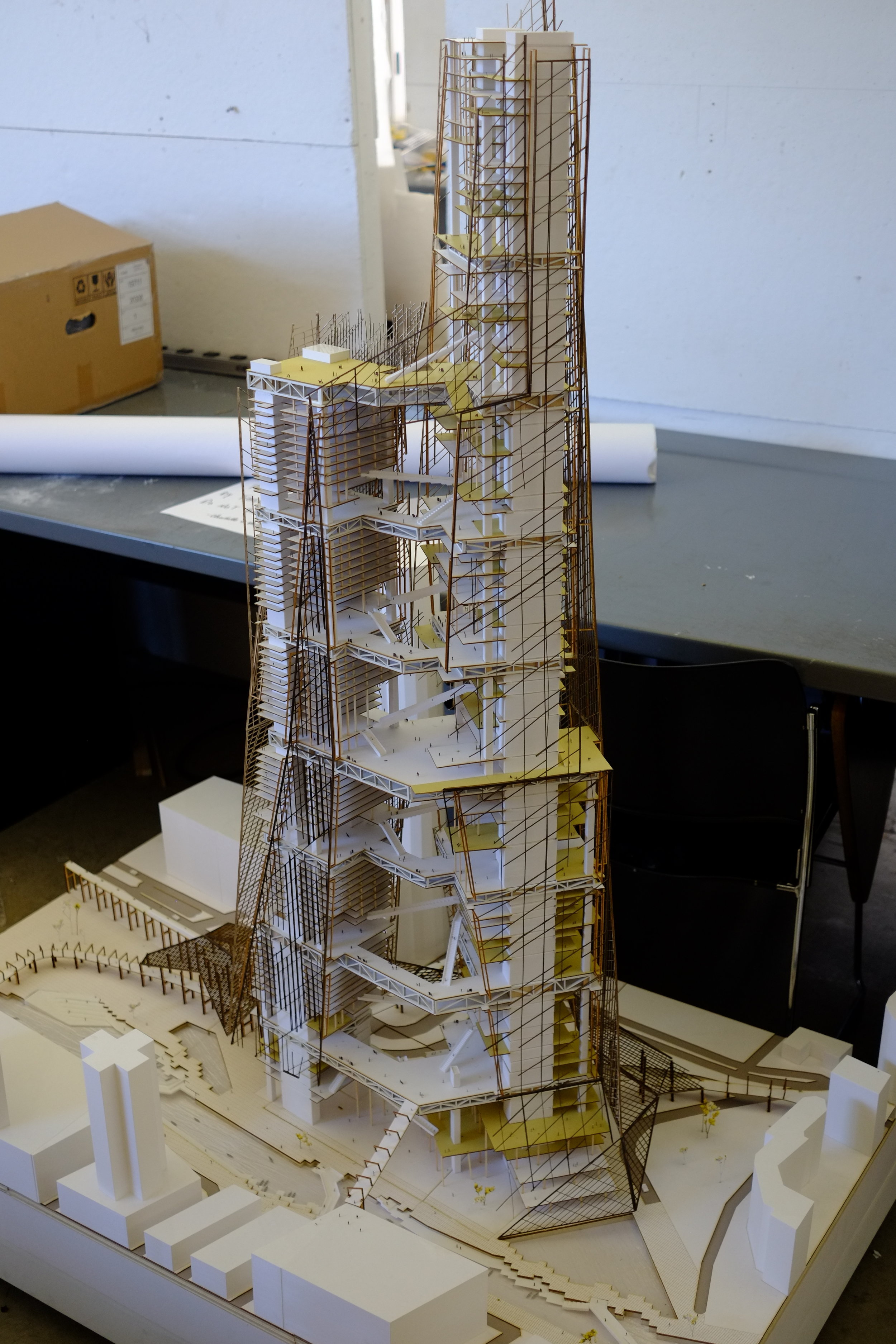
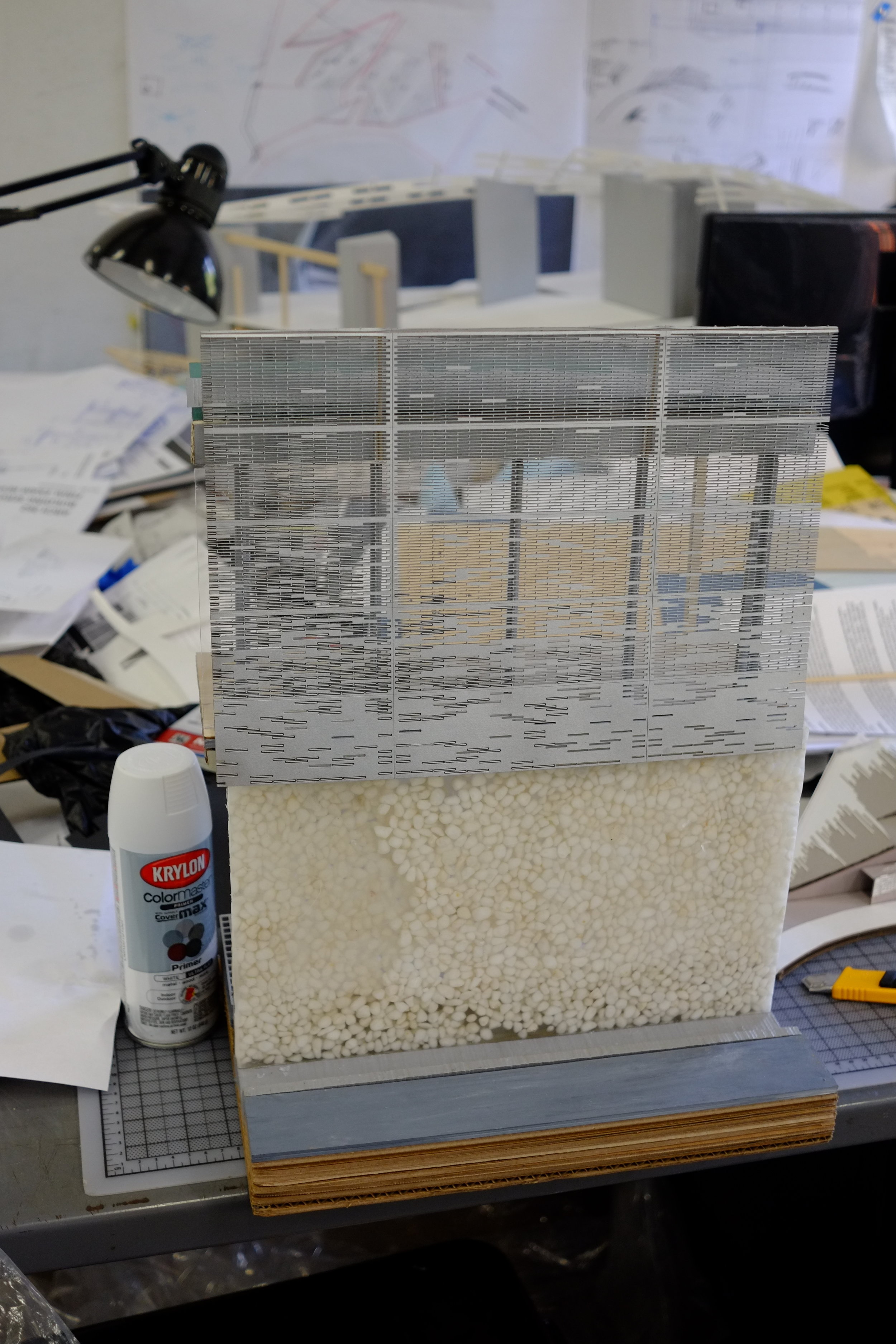
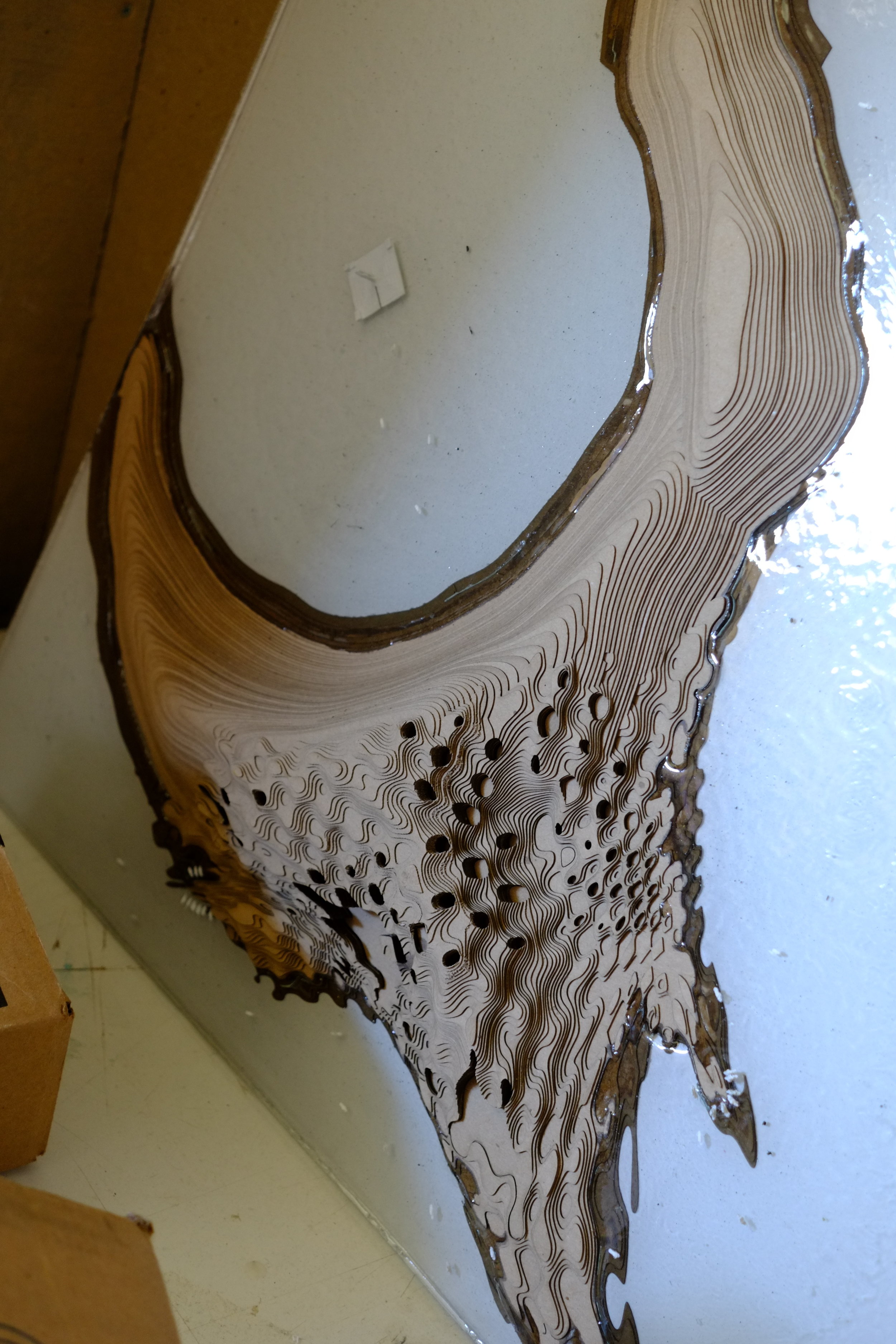
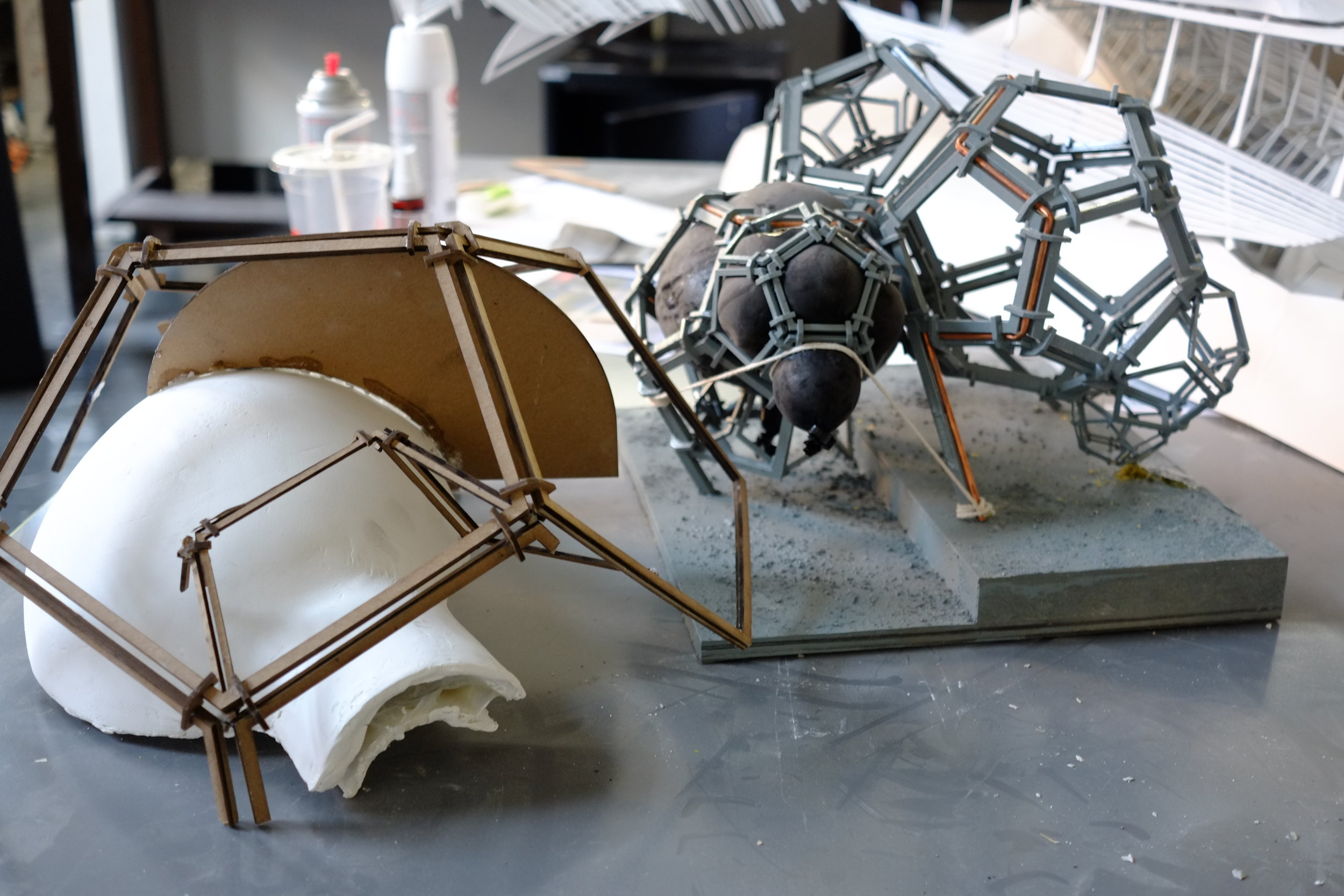
About the Laser Shop :
Laser cutting is a technology that uses a laser to cut materials, and is typically used for industrial manufacturing applications. Laser cutting works by directing the output of a high-power laser most commonly through optics. The laser optics and CNC (computer numerical control) are used to direct the material or the laser beam generated. The focused laser beam is directed at the material, which then either melts, burns, vaporizes away, or is blown away by a jet of gas, leaving an edge with a high-quality surface finish.
The Laser Shop is available all students and faculty in the Architecture program. Please use the Laser Shop monitors as a resource for shop use.
Laser Lab Hours:
The laser lab will closed monday, 09/07 for the holiday.
Sunday - Thursday: 9am - 10pm
Friday - Saturday: 9am - 8pm
The Laser Lab is by appointment only - Please sign up using the “Submit to the Laser!” button below.
Now introducing laser cutting from Rhino! The Pi-FAB Laser Lab has established workflows for laser cutting straight from Rhino. Please follow the Laser Lab Resources link above for the step by step guide. Remember the Laser Lab depends on how clean, efficient and organized your file is. We have also created a permanent Google login that will allow you to download your files from the Queue - no more needing to log in! Simply download your file and start cutting!
LASER LAB PROTOCOLS FOR USE
PROTOCOLS FOR USE
NEVER leave the room while you are cutting
Students must sign up using the Digital Submission system in the Laser Shop.
Have a valid Pratt ID and be currently enrolled in an approved Pratt Architecture course
Use of laser cutters are limited to academic work only, commercial work is prohibited
Cutting time is limited to 60 minutes
Appointments are non-transferable. Each student must submit and arrive for their own timeslot.
GUIDELINES AND RECOMMENDATIONS
It is not a valid use of the laser cutter to make squares
Be sure to bring your files plot ready: flatten, purge, and overkill all beforehand
Priority Schedule is in place to allow everyone to cut during studio-specific time slots
Time slots cannot run over into the next groups time slot.
Cuts resulting in flare up will result in the student being ejected from the Laser Shop for the day
To expedite cutting download the driver for the plotter HERE.
machine Status
SUBMISSIONS + QUEUE
You must submit to the Laser Lab before arriving to the shop! You will be prompted when it is your time for the Laser.
You will have 10 minutes to arrive to the Laser Lab after receiving the "Up-Next" email. After 10 minutes your appointment will be cancelled and you will need to complete this form again.
Laser Shop access is extended to students and faculty of the School of Architecture. Please be aware of high capacity during midterms and finals. Please arrive prepared and be respectful of the time limit of 60 minutes.
LASER PRIORITY SCHEDULE
The Laser Lab uses a Priority Schedule coordinated with each department for giving equal opportunity for time on machine. Each level has designated time slots where the submissions are reorganized to give preference to that year. Use the Filter View icon tool in Google Sheets to cycle the Laser Queue to the current Priority View. For now, the Filter View must be refreshed with each new submission. Download the Laser Priority Schedule below.
Laser lab Tutorials + Resource Files
The Laser Lab has put together a variety of documents to aid you in preparing your files for Laser Cutting. Please be sure to follow the Laser Lab Guidelines listed above. Above is a Google Drive Link containing Cutting Guides for each of laser cutter models available in the Laser Lab. Please review these before visiting the shop. There are additional resources for the use of the Vacuum Former and the Multi-Material Cutter!
Now introducing laser cutting from Rhino! The Pi-FAB Laser Lab has established workflows for laser cutting straight from Rhino. Please follow the Laser Lab Resources link above for the step by step guide. Remember the Laser Lab depends on how clean, efficient and organized your file is. We have also created a permanent Google login that will allow you to download your files from the Queue - no more needing to log in! Simply download your file and start cutting!
Machine Information
Universal VLS - 660

Machine Description Here:
The Universal VLS-660 is one of the standard models of laser cutter in the Pratt Architecture Production Facilities Laser Shop. The VLS-660 has a cutting bed size of 18”x32” (stated again below)
Print Bed Size:
18” (y) x 32” (x)
Please be sure to properly set the Z Height to your material.
Universal ILS - 12.15OD

Machine Description Here:
The Universal ILS-12.15OD is the newest model of laser cutter in the Pratt Architecture Production Facilities Laser Shop. The ILS-12.15OD has a cutting bed size of 24”x 48” (stated again below). This laser cutter is perfect for large format model making, allowing for seamless cutting of larger materials.
Print Bed Size:
24” (y) x 48” (x)
Please be sure to properly set the Z Height to your material